The full tour
Everything Lightkeeper’s Watch does
A cozy harbor builder that runs on your real sleep. Here’s how the whole thing fits together.
The sleep loop
Set a bedtime window and a wake goal. Light the lamp — or let Apple Health do it — and earn as you rest.
The harbor
Spend what you earn building a hand-painted medieval town, tile by tile.
The hooks
Daily chests, streaks, and morning claims that make good sleep genuinely rewarding.
Two ways to log a night
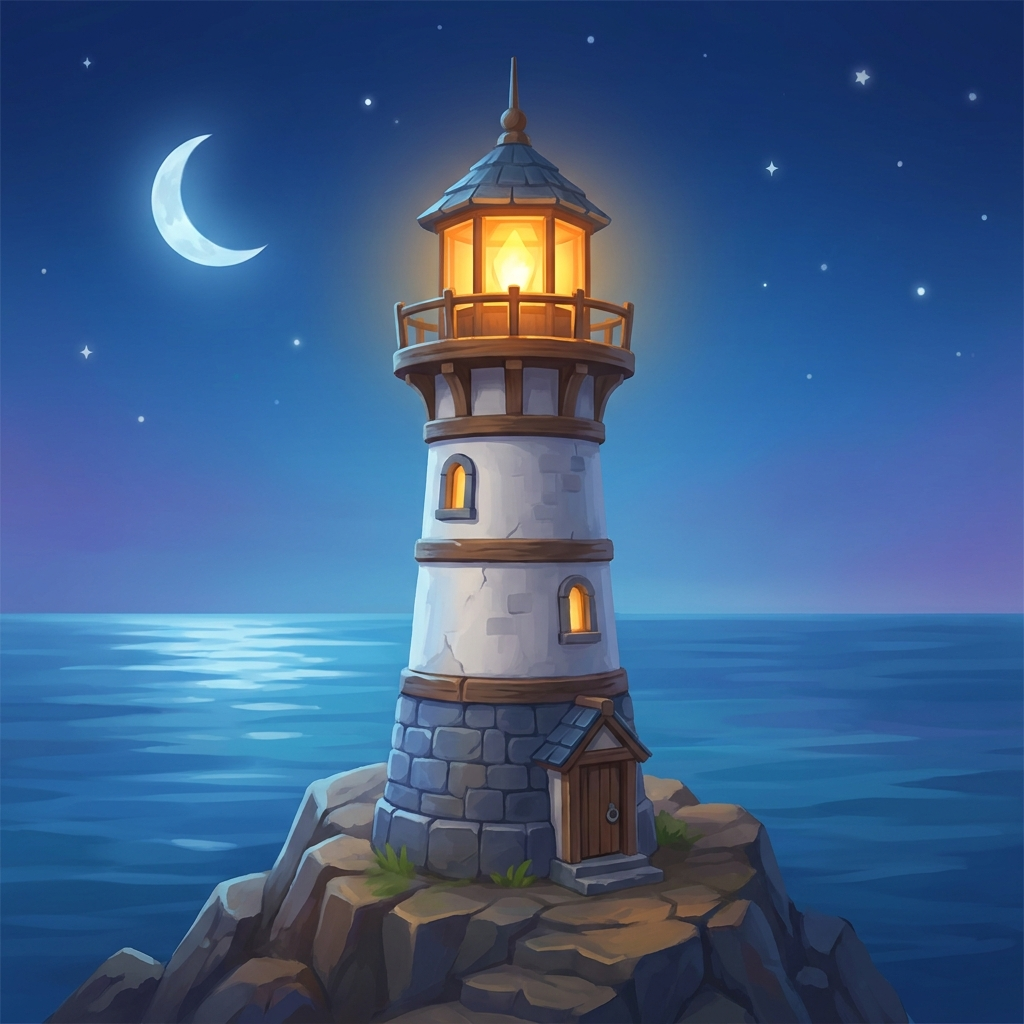
Light the lamp. At bedtime, one tap lights the lighthouse and begins the Keeper’s Watch. In the morning you wake it, and the night is scored. Perfect if you don’t use a sleep tracker.
Or connect Apple Health. Link Apple Health once and Lightkeeper detects last night automatically — no nightly tap. Whether your sleep comes from an Apple Watch, Oura, Garmin or your iPhone, if it writes to Apple Health, Lightkeeper can read it. Both paths feed one reward: a night is only ever earned once, so you can switch between them freely and never double-count.
Waking up: feel, then claim
The first thing you see each morning is a simple question — how do you feel? That one tap is the single thing Apple Health can’t measure, and it makes your sleep report richer over time. Then you claim your coins. Claims sit in a gentle one-hour window, so there’s a reason to open the app each morning, but a missed morning never costs you your progress.
Reward a good night’s sleep
Payouts scale with how much you actually slept against your goal. A short night pays out modestly; hitting or beating your goal pays in full, with extra for landing inside your bedtime window and keeping a streak alive. The app is built to make the healthy choice the rewarding one.
Building your harbor
Coins, wood and stone go into raising your town: cottages and larger houses, markets, taverns, shrines, a monastery and more. Buildings take real time to construct and each one needs a free villager, so your town grows at a satisfying, gamified pace rather than instantly.
- Villagers do the work — building, chopping and quarrying. Add housing to grow your workforce and build more at once.
- Chop & plant forests for wood; quarry mountains and cliffs for stone. Lay roads to shape the town.
- Markets earn passive gold while you’re away, capped so it never becomes a grind.
The daily chest
Open a cinematic treasure chest once a day. Rewards grow across a seven-day streak and reset if you miss a day, and the grand day-seven chest can even contain a free building that drops straight onto your map — no coins needed.
Your sleep report
When Apple Health is connected, the Log reads straight from it: your last nights with a full deep / core / REM breakdown, a nightly sleep score, and clear badges for whether you met your goal and stayed in your window. Weekly averages and last-7 / 30 / 90-night trends round it out. Your mood taps ride alongside so you can see how rest and how you feel line up.
Gentle by default
Notifications are quiet and opt-in. A soft bedtime reminder and a morning report are on; everything else — a build finishing, a reward about to expire, your town’s coffers filling — is off until you switch it on in Settings.
Fair, optional purchases
Lightkeeper’s Watch is free to start. Optional purchases — a premium tier and coin top-ups — are handled securely through the App Store, and you can restore them any time. Coins are in-game currency only; they have no real-world cash value and can’t be exchanged for money.